Extend your platform with plug-and-play addons
Extend Notify with exchange packs, custom channels, workflow hooks, and third-party integrations. Install, update, and remove addons without touching the core.
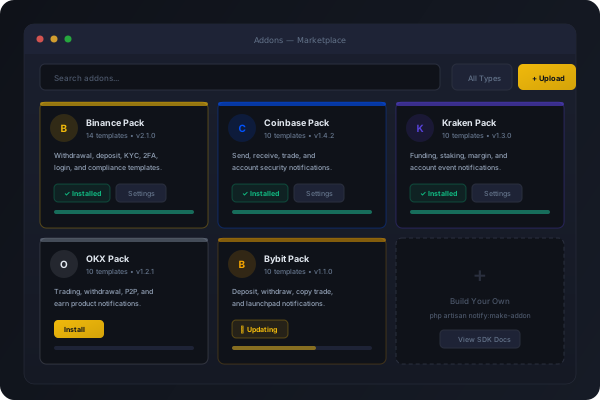
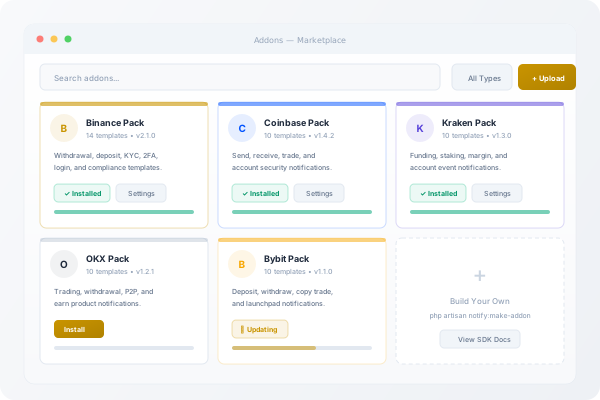
Five exchange packs available today
Each pack includes brand-matched templates, logos, and compliance content for a specific exchange.
Binance Pack
14 templates
Coinbase Pack
10 templates
Kraken Pack
10 templates
OKX Pack
10 templates
Bybit Pack
10 templates
Build your own addon
The Addon SDK provides scaffolding, documentation, and examples for building custom addons.
Key Features
Plugin Architecture
Addons are self-contained packages with isolated service providers, templates, settings, and database migrations.
One-Click Install
Upload a zip file or install from the marketplace. Addon manifests are validated and dependencies checked automatically.
Six Addon Types
Exchange packs, channel drivers, workflow hooks, UI widgets, analytics modules, and utility plugins.
Hook System
14 hook points for addons to intercept notification flow. Actions for side effects, filters for data transformation.
Scoped Storage
Each addon gets isolated key-value storage with JSON encoding, TTL expiration, and namespace protection.
Safe Updates
Updates back up the current version before installing. Automatic rollback on failure preserves your working configuration.
Frequently Asked Questions
Yes. Use the `php artisan notify:make-addon` command to scaffold a new addon. The Addon SDK documentation covers manifest format, service provider hooks, template registration, and more.
No. Addons boot in isolated try/catch blocks. A failing addon is logged and skipped — it cannot crash the platform or affect other addons.
Each addon gets scoped key-value storage via the AddonStore. Settings are JSON-encoded with optional TTL expiration and fully isolated from other addons.
Related Products
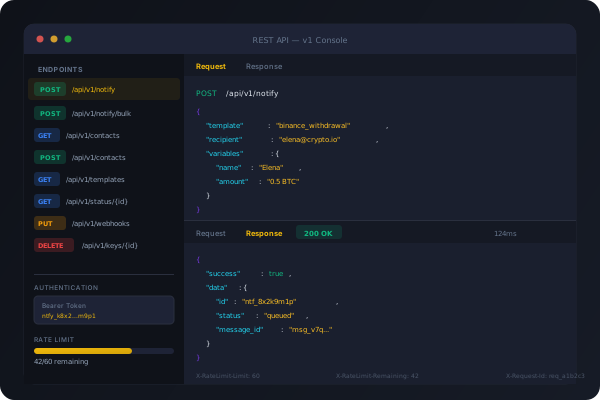
REST API & Integrations
12 authenticated API endpoints for notification dispatch, contact management, template queries, and delivery tracking. Bearer token auth with per-key rate limiting.
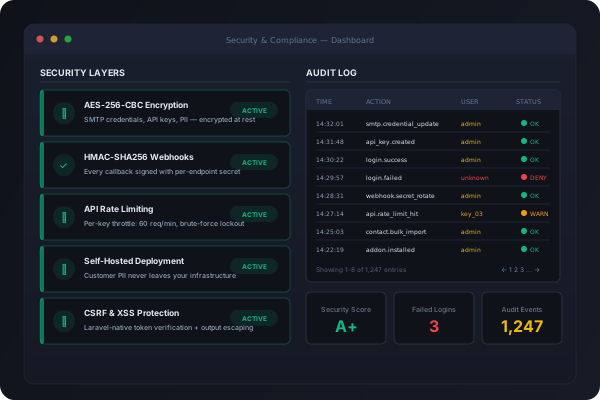
Security & Compliance Suite
Self-hosted deployment means customer PII never leaves your servers. AES-256 encryption, HMAC-signed webhooks, audit trails, and brute-force protection included.
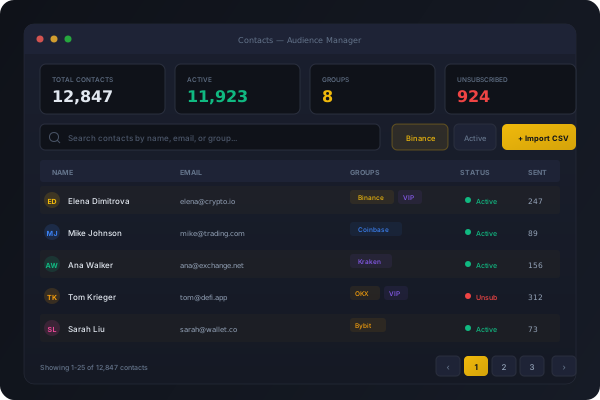
Contact & Audience Manager
Import, segment, and manage your notification recipients. CSV import, group segmentation, suppression lists, and unsubscribe compliance built in.